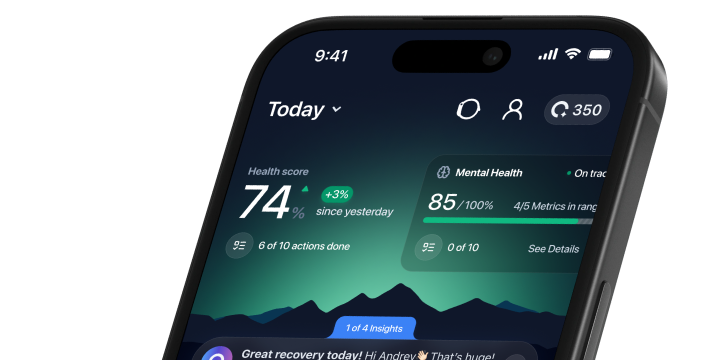




See the whole picture.
What matters, what to check, and where to go from here.



- 01A LITTLE MORE CLARITY
Before you download
Use the official ONU App Store link and check the listing’s current device and operating-system requirements. Keep access to the account used for any subscription. An ONU Bracelet is optional; start with an existing supported source if your immediate goal is to understand and organize information you already collect.
- 02A LITTLE MORE CLARITY
Choose one source first
Connect one supported wearable or health platform before adding several integrations. Confirm that recent information appears and that the requested permissions match your choice. If a metric is absent in both ONU and the source app, troubleshoot the source first. Adding more connections will not recreate measurements that were never recorded.
- 03A LITTLE MORE CLARITY
Your first week
Pick a question you can answer with observations, such as how regular your sleep timing is. Note ordinary days as well as unusual ones. Avoid treating the first score as your permanent baseline or changing medicines because of an estimate. Read the relevant guide before interpreting a unfamiliar measurement.
- 04A LITTLE MORE CLARITY
If setup does not work
Describe the connection you chose, phone model, operating-system and app version, and the screen where the problem occurred. Include the time and exact error wording if available. Do not include passwords, verification codes or identifiable health reports in a general website enquiry; use the appropriate secure support channel.

See how to make the experience yours.