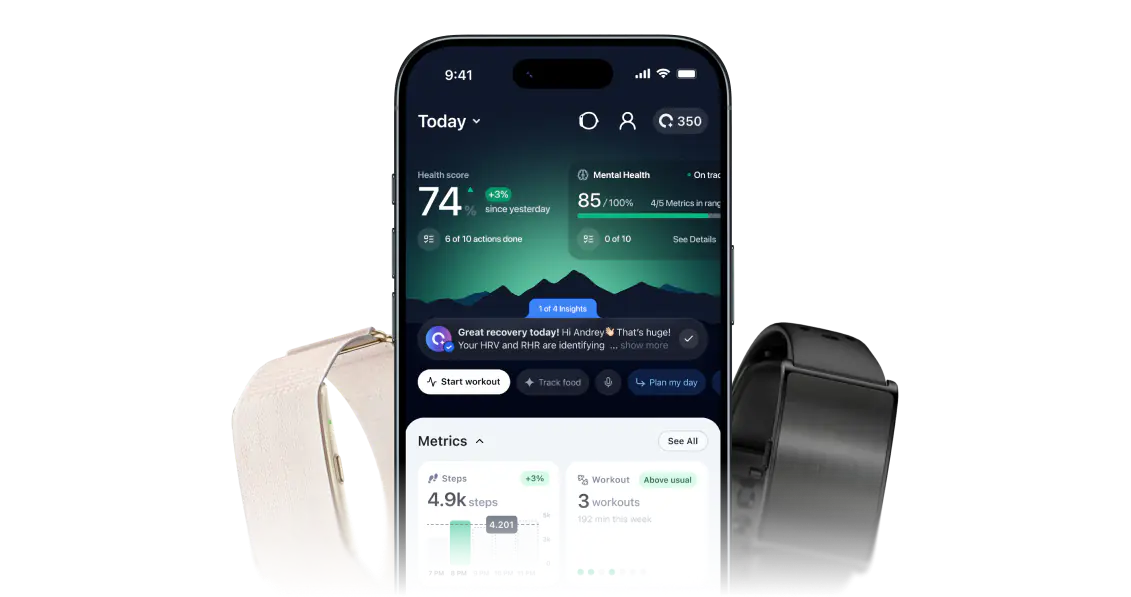
What appears in ONU depends on the source, device, data category and permissions. A provider’s ability to share data does not confirm every field is imported by ONU. Need help? Contact ONU.
Explore practical details
A CLOSER LOOK · Integrations
See the whole picture.
What matters, what to check, and where to go from here.
01A LITTLE MORE CLARITY
Supported sources and available information
ONU’s published connections include Apple Health, WHOOP and Garmin. Check the app for the connections available to your account and the permissions each asks for. Supporting a provider does not promise every field, every device model, all historical data or identical scores across platforms.
Providers can use different sampling times, definitions and calculation methods. A daily resting-heart-rate estimate may not match a spot pulse reading. HRV values can differ by measurement method and conditions. Keep the provider and timing attached to a value instead of treating every imported number as directly comparable.
03A LITTLE MORE CLARITY
Troubleshoot missing or stale information
Confirm that the source app contains recent readings, that its device has synced, and that you granted the necessary permissions. Check the account used for authorization and any connection status shown by ONU. Report the last successful sync and affected metric to support rather than disconnecting every service at once.
04A LITTLE MORE CLARITY
Manage permissions deliberately
Review which categories you allow and whether you still need the connection. Disconnecting a source and deleting information already stored are different actions; consult the applicable privacy instructions for each. Do not send account credentials to a general contact form. Use provider settings for permissions controlled by that provider.