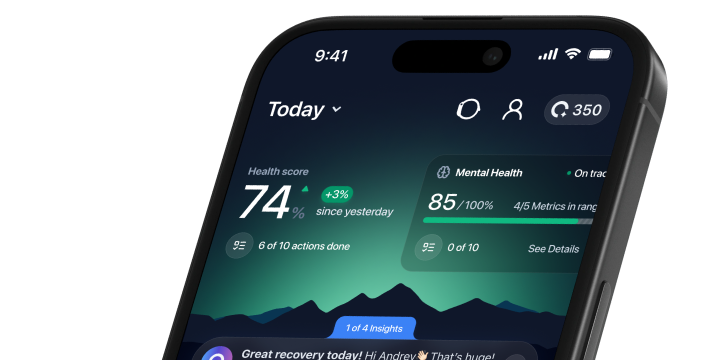




See the whole picture.
What matters, what to check, and where to go from here.


- 01A LITTLE MORE CLARITY
1. Set up the app and review consent
Download ONU from its official App Store listing, create or sign into your account, and read the permissions requested. Only connect information you want to use. Subscription offers should show their renewal and cancellation conditions before you accept them; setup does not require purchasing hardware from this website.
- 02A LITTLE MORE CLARITY
2. Connect a supported source
Choose an available integration in the app and follow the provider’s authorization steps. If information is missing, first check whether it exists in the source app and whether the relevant permissions are enabled. A device that was not worn cannot supply an overnight measurement, and different providers calculate some estimates differently.
See how to get started - 03A LITTLE MORE CLARITY
3. Review a pattern, not a verdict
Look at the timing of changes across several typical days. Add a short note about sleep opportunity, activity, illness or other relevant circumstances. Do not compare scores from different apps as though they use one scale. The HRV, sleep-score and blood-results guides explain common interpretation mistakes.
- 04A LITTLE MORE CLARITY
4. Decide what kind of next step is needed
A routine question might call for a small practical change and another review. A service question belongs with ONU support. Persistent symptoms or a clinically important laboratory result need a qualified professional. Urgent symptoms need local emergency care; they should never wait for a wellness app to produce an explanation.

See how the experience fits into everyday life.